← All resources
Free template · Website planning
Website handover checklist
A free website handover worksheet for domains, hosting, editing, forms, backups and renewals. Record ownership and verify access before signing off.
Inside the template
A working document,
ready to adapt.
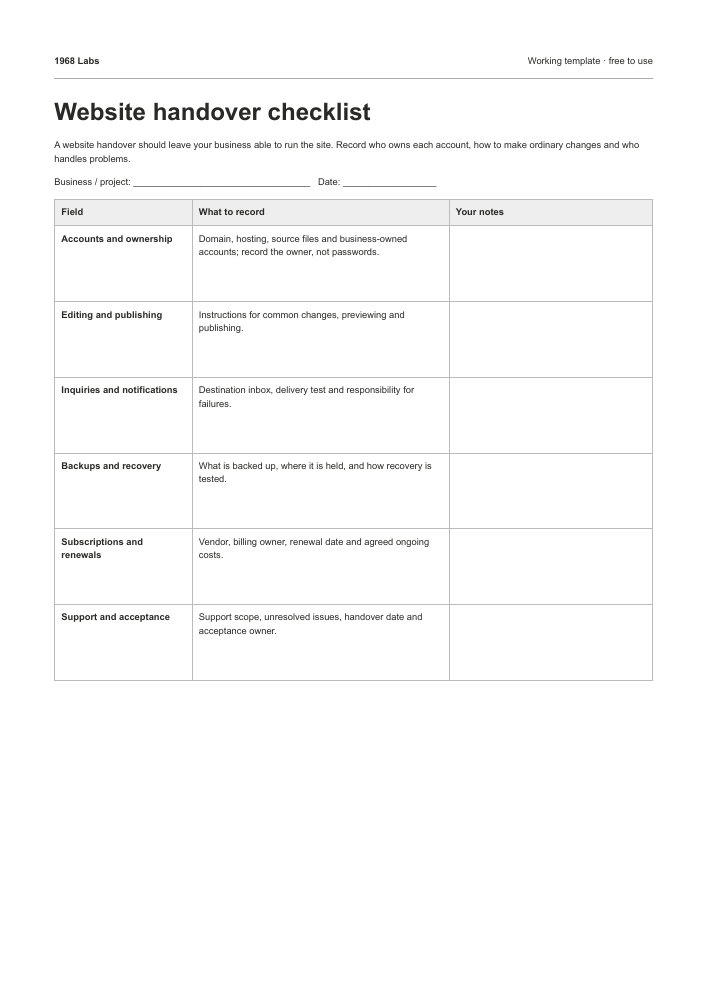
A website handover should leave your business able to run the site. Record who owns each account, how to make ordinary changes and who handles problems.
What each field means
- Accounts and ownership
- Domain, hosting, source files and business-owned accounts; record the owner, not passwords.
- Editing and publishing
- Instructions for common changes, previewing and publishing.
- Inquiries and notifications
- Destination inbox, delivery test and responsibility for failures.
- Backups and recovery
- What is backed up, where it is held, and how recovery is tested.
- Subscriptions and renewals
- Vendor, billing owner, renewal date and agreed ongoing costs.
- Support and acceptance
- Support scope, unresolved issues, handover date and acceptance owner.
Filled example
- Accounts and ownership
- Domain and hosting owned by business; developer access reviewed on handover
- Editing and publishing
- Editor shown how to update a service and preview on mobile; instructions stored in team drive
- Inquiries and notifications
- hello@example.com; named business owner must confirm the final test reaches the inbox
- Backups and recovery
- Source repository and content export delivered; recovery instructions awaiting business review
- Subscriptions and renewals
- Domain annual renewal; hosting plan documented; owner checks next renewal date
- Support and acceptance
- 30-day agreed repair window; remaining image task assigned; owner acceptance pending
How to use this worksheet
- List every service needed to operate the website, including email and forms.
- Verify that the business can sign in using its own recovery methods.
- Complete an editing task and an inquiry test together.
- Document open items and recurring costs before accepting the handover.
Do not put passwords, recovery codes or API keys in this worksheet. Transfer secrets using the business’s approved secure process.
Read the practical guideWork with us
Want help putting this into practice?
Tell us what you’re trying to improve.
We’ll reply within 24 hours.
Services and starting prices